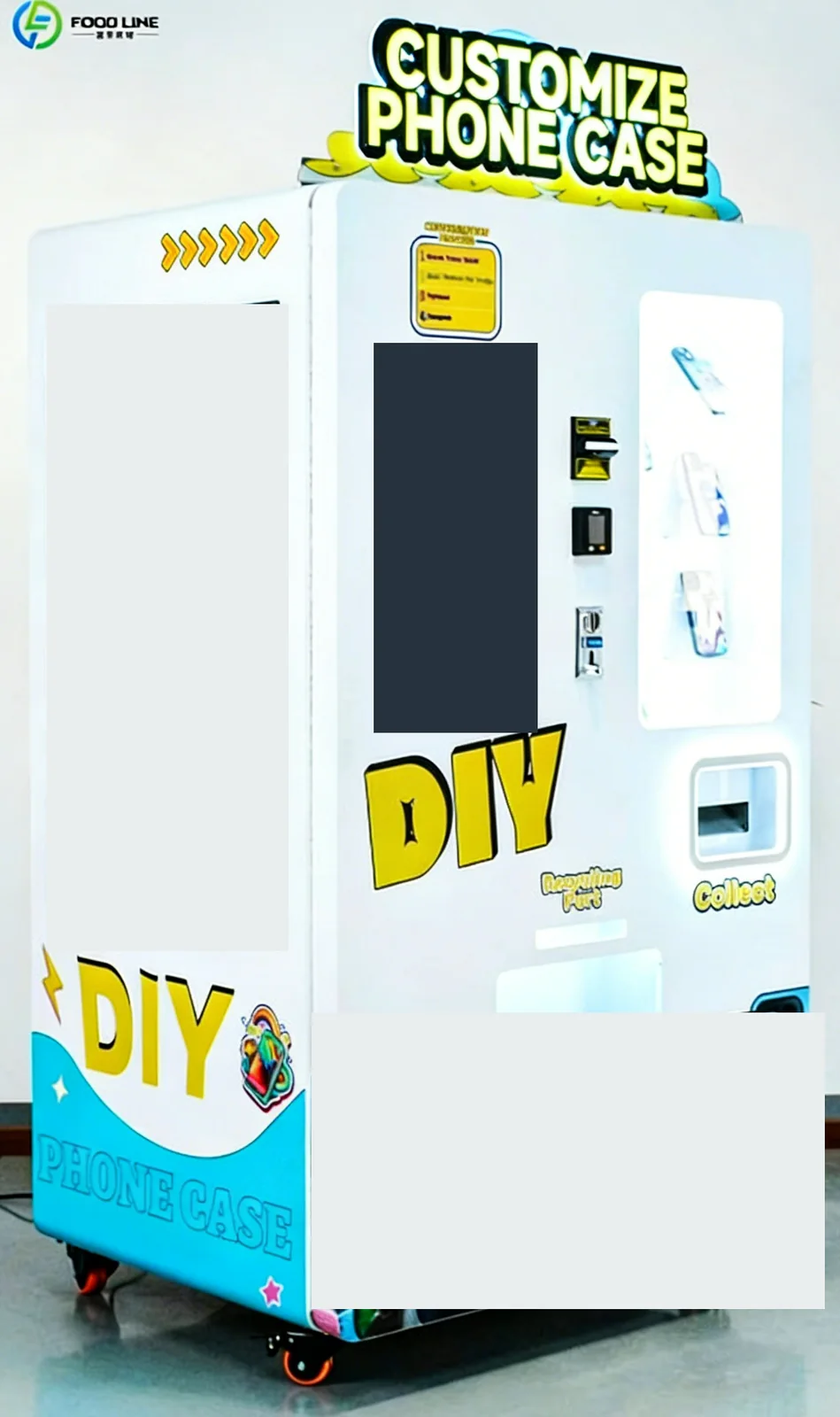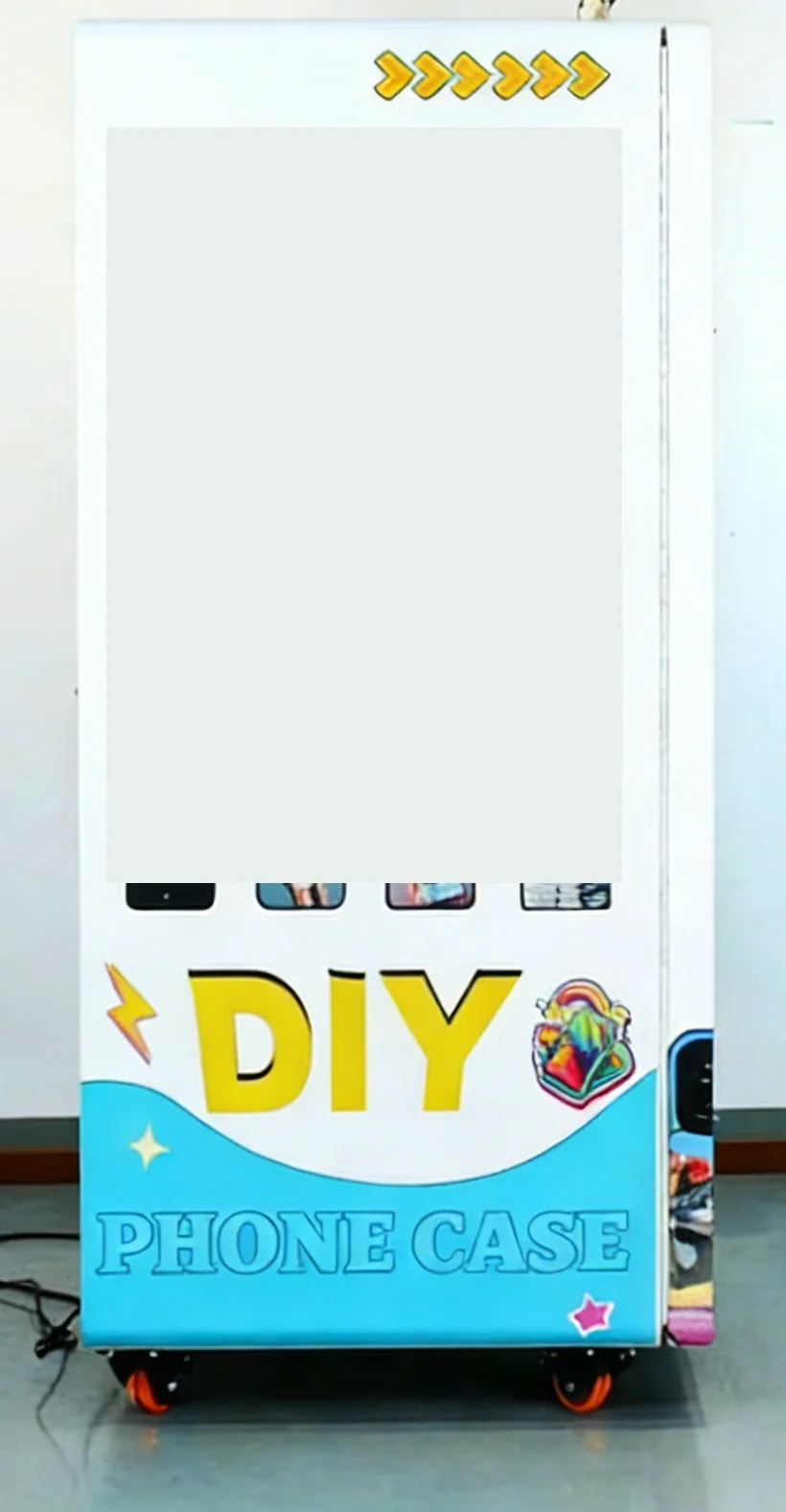
How the phone case vending machine works
Plan the customer journey around five clear actions: scan to upload a photo, confirm the phone model, approve the image, pay and collect the printed case. Put a short instruction panel beside the 27-inch touchscreen so first-time visitors can understand the sequence before they begin. Customers should check the camera opening and exact handset version when making their selection.
The screen guides model selection and QR upload; the precise screen order should be demonstrated during acceptance. A shopper may start by selecting a handset before scanning, while signs can introduce photo upload first. Test the complete journey with a new visitor, including image positioning, payment confirmation and collection from the outlet.
Allow approximately 3–4 minutes for the printing step when planning queues. Upload speed, image approval and the time a shopper spends choosing a design add to the total visit. In a cinema lobby, position the machine where waiting customers can browse while leaving ticket and concession lines clear.
Phone compatibility and case stock
FL-PC-100 supports a catalog of more than 400 phone models, including Apple, Samsung and Huawei families. The available choices at your location depend on the compatible blank cases loaded into the cabinet and the assigned stock channels. Send an exact handset list, including generation and size suffixes, so the case selection can be reviewed before you order.
Capacity is up to 840 cases across the stocked assortment. Treat that figure as total storage rather than availability for each handset. A useful replenishment sheet lists handset name, case position, starting quantity, units dispensed and the reorder point for that blank. Keep visually similar cases in clearly labeled groups to reduce loading errors.
For a tourist attraction, check which phone families visitors actually carry before dividing the stock. Start with a manageable selection that staff can identify, then use order and inventory information to adjust the mix. Confirm a sample fit for each chosen blank before opening that selection to shoppers.
Printing supplies and replenishment
The printing system uses UV CMYK ink and a continuous ink supply. Include compatible blank cases and ink in the operating supply list, together with the printer maintenance items specified for the delivered configuration. Ask for a demonstration that connects the selected blank, image preparation and print result rather than judging a cabinet photograph alone.
The supported image resolutions include 720 dpi, 1440 dpi and 2880 dpi. Review sample output with your expected photo types: a portrait, a landscape and a design containing small text. Check cropping and orientation on the screen and inspect the finished case under the lighting used at the proposed site.
Use a loading checklist whenever staff refill the cabinet: identify each handset, count the blanks, load the correct position and reconcile the stock in the management interface. Keep inks in the storage conditions specified by their supplier and assign one person to monitor replenishment. Schedule printer care around the demonstrated automatic and remote cleaning functions for the print system.
Malls, attractions and cinema placement
Compare three placement patterns. In a mall, give shoppers room to stand at the screen and see sample cases. At a tourist attraction, use a location where visitors can pause to choose a photo. In a cinema, keep the collection point visible and allow circulation for people waiting for their print.
Measure the delivery route, working area and service access before approving a position. Provide photographs of the proposed location, available electricity and the nearest network connection. Confirm the final cabinet dimensions and electrical specification for FL-PC-100 as part of the installation review.
Ask the venue to identify who responds when a customer needs help with upload, phone selection or collection. A visible support contact and a short refund procedure make the service easier to manage. Include opening hours and staff access arrangements in the operating brief so replenishment can happen at a practical time.
Payment, connectivity and operator controls
Credit card, banknotes and coins. Card readers (MDB) and QR payment can be configured for your market — tell us your country. Review MDB & cashless payment integration with the terminal model, local provider and settlement account you intend to use. Run a small order through selection, authorization, printing and collection during the acceptance demonstration.
Wi-Fi and 4G connectivity support remote startup, order review and stock management. The backend can assign handset models and quantities to stock positions. Give each operator a clear responsibility: review stock, handle customer questions or manage the payment account, then confirm the appropriate account access during handover.
Keep a simple opening checklist: inspect the pickup area, verify available blanks, check ink status and confirm that upload and payment are working. Review unsuccessful orders with the time, selected handset and payment outcome. This creates a practical service history for diagnosing a repeated issue.
Common mistakes and your purchase brief
- Ordering blank cases by a broad phone-family name rather than the exact handset variant.
- Loading similar-looking blanks into the wrong positions.
- Planning the queue using printing time alone.
- Leaving payment-provider setup until the cabinet is ready to operate.
Prepare a purchase brief with your country, proposed venue, handset assortment, payment preference, connectivity and staff coverage. Include photos you want to test and the expected mix of portrait and graphic designs. Use the custom vending machine category to review the wider configuration process, then request a configuration review for FL-PC-100.
Frequently asked questions
Which phone models does a phone case vending machine support?
FL-PC-100 supports more than 400 phone models, including Apple, Samsung and Huawei families. Send your exact handset list so compatible blanks and stock positions can be selected. The choices offered to shoppers follow the assortment actually loaded.
Can customers upload their own photos to print a phone case?
Yes. Customers scan a QR code to upload an image, confirm the handset and design, complete payment and collect the printed case. Include image positioning and a sample print in your acceptance demonstration.
How long does a custom phone case take to print?
The demonstrated ordering workflow allows approximately 3–4 minutes for printing. Allow additional time for handset selection, photo upload, design approval and payment when planning the customer queue.
How many phone cases can FL-PC-100 hold?
The cabinet holds up to 840 compatible blank cases. Divide that stock among the handset models you plan to offer and track each position separately when replenishing.
What supplies does a phone case printing machine need?
Plan compatible blank cases, UV CMYK ink and the printer maintenance items specified for your configuration. Review sample output, replenishment steps and print-system cleaning during handover.